WordPress Website Maintenance

.webp)

-p-130x130q80%20(1).png)
Your website is your number #1 marketing asset.
It is your 24/7 salesperson, and the first impression you’ll make on potential customers. 94% go online first before making a decision.
But business owners and marketing leaders often make a mistake - thinking it’s a ‘set and forget’ asset.
Just like a physical store, websites need regular attention to keep them running smoothly, securely, and effectively. Neglecting website maintenance can lead to lost revenue, security breaches, and a damaged reputation.
This guide explores why WordPress maintenance is an absolute must, what it involves, how to monitor your site if you’re doing it yourself, the benefits of outsourcing to experts, ways to keep costs down and the total cost that you should expect for your WordPress Website.
Key Takeaways
- Maintenance is mandatory: Websites are not static, but living software projects that will naturally break down over time as technology evolves.
- Getting hacked can really hurt: Not only is it a technical headache, an average cyber security incident for a small business in Australia costs around $60,000.
- Outdated software is the primary threat vector: The biggest security risk comes from neglect: 39% of all hacked websites were running out-of-date core software.
- Proactive care beats emergency repair: There are 7 core maintenance tasks that need to be performed regularly to keep your website in top shape.
- Outsourcing provides expertise and time savings: For many growing businesses, outsourcing maintenance to an expert agency can be a smart investment for peace of mind.
Why is Website Maintenance Important?
Website maintenance ensures websites perform as designed, get discovered on the internet and build trust with visitors.
It does that across five key factors.
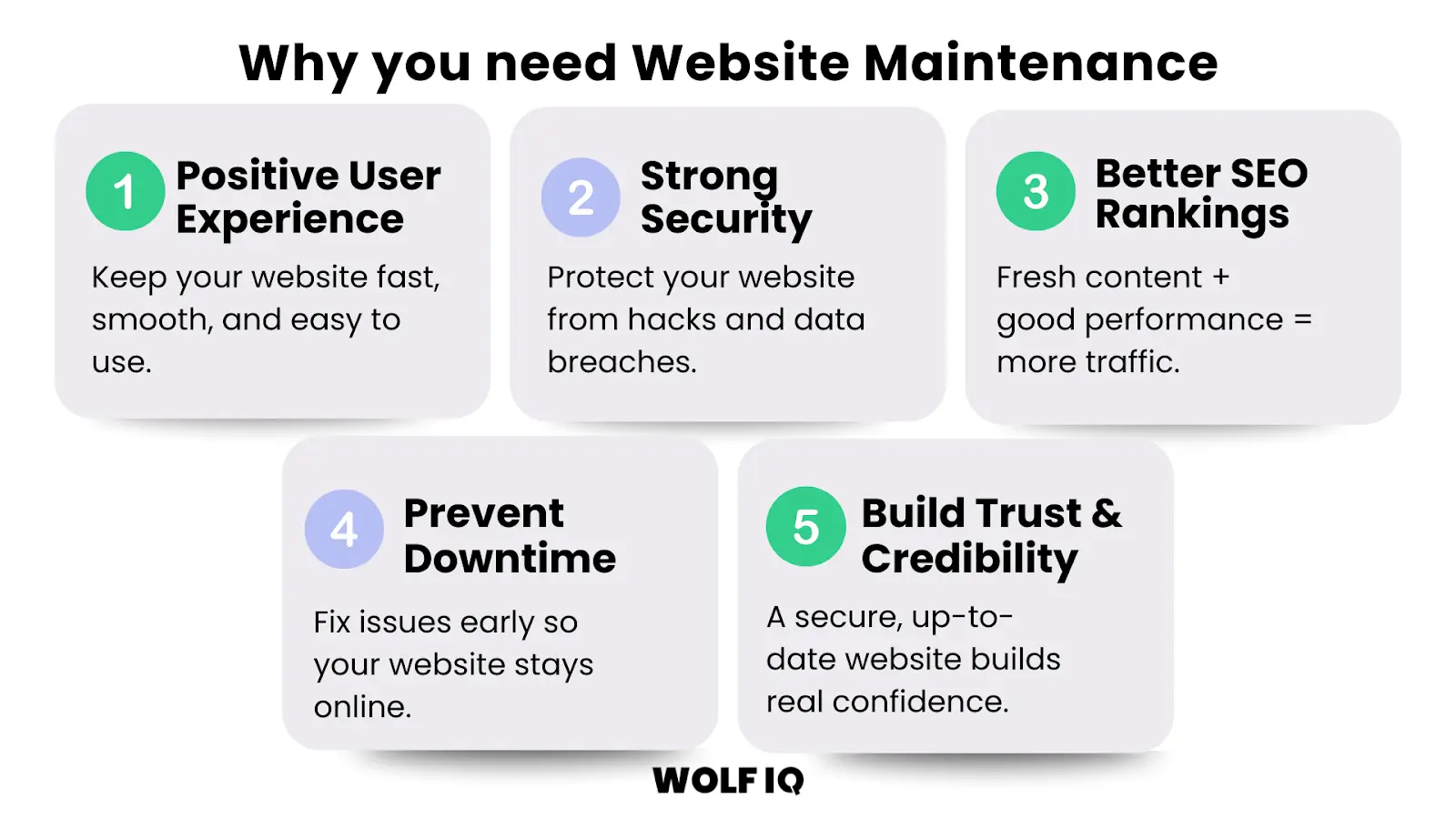
1. Positive User Experiences
First impressions count. A slow, buggy, or hard-to-navigate website will frustrate visitors and send them straight to your competitors.
A well-maintained website, on the other hand, provides a seamless and enjoyable user experience, which is crucial for keeping potential customers engaged.
A website that is difficult to navigate and has broken links or slow loading times can result in a poor user experience and deter users from returning.
According to a study by Google/SOASTA, 53% of mobile users abandon a site if it takes longer than 3 seconds to load, and a 1-second delay can drop conversions by up to 7%.
2. Safeguard Your Website From Hackers
Cybersecurity threats are a significant risk for businesses of all sizes.
Outdated software and plugins are a primary target for hackers. The 2023 Sucuri Hacked Website and Malware Threat Report found that 39% of all hacked websites were running out-of-date core software.
Getting hacked doesn’t just damage your website — the average cost of a cyber security incident for a small business in Australia is around $60,000, according to data from the Queensland Government and Cyber.gov.au.
Regular maintenance, including security scans, software updates, and backups, is your first line of defence against malicious attacks, protecting both your business and your customers' sensitive data.
3. Boost Your Online Visibility (SEO)
Search engines like Google reward websites that are well-maintained, fast and regularly updated.
Keeping your site fresh through content updates, performance tuning and technical fixes tells Google that your site is active, relevant and worth showing to users.
According to Google’s official SEO starter guide, providing high-quality content, ensuring fast load times and offering a mobile-friendly experience are all essential signals for better rankings.
In short, proactive website maintenance doesn’t just keep things running – it helps you get found by more people, more often.
4. Prevent Costly Downtime
Every minute your website is down, you're losing potential customers and revenue.
Website downtime can also damage your brand's reputation and credibility.
Proactive maintenance helps prevent the technical issues that cause downtime and ensures that if problems do arise, they are resolved quickly and efficiently.
5. Build Trust and Credibility
A well-maintained website that is secure, up-to-date, and easy to use reflects positively on your business.
It shows that you are professional, reliable, and committed to providing a quality experience for your customers. This builds trust and credibility, which are essential for long-term customer relationships and brand loyalty.
What Maintenance Tasks are Required for WordPress?
WordPress is open source software that requires ongoing attention to remain secure, fast, and effective.
These are the seven maintenance tasks that need to be performed regularly to keep your WordPress website in top shape. By skipping these, even the best WordPress website will become a liability.
While some can be done in-house, many require technical expertise.
1. Weekly Backups
Regularly backing up your website’s files and database is non-negotiable.
If your site is hacked, or an update causes a major issue, a recent backup is your safety net, allowing you to restore your site quickly and minimise downtime.

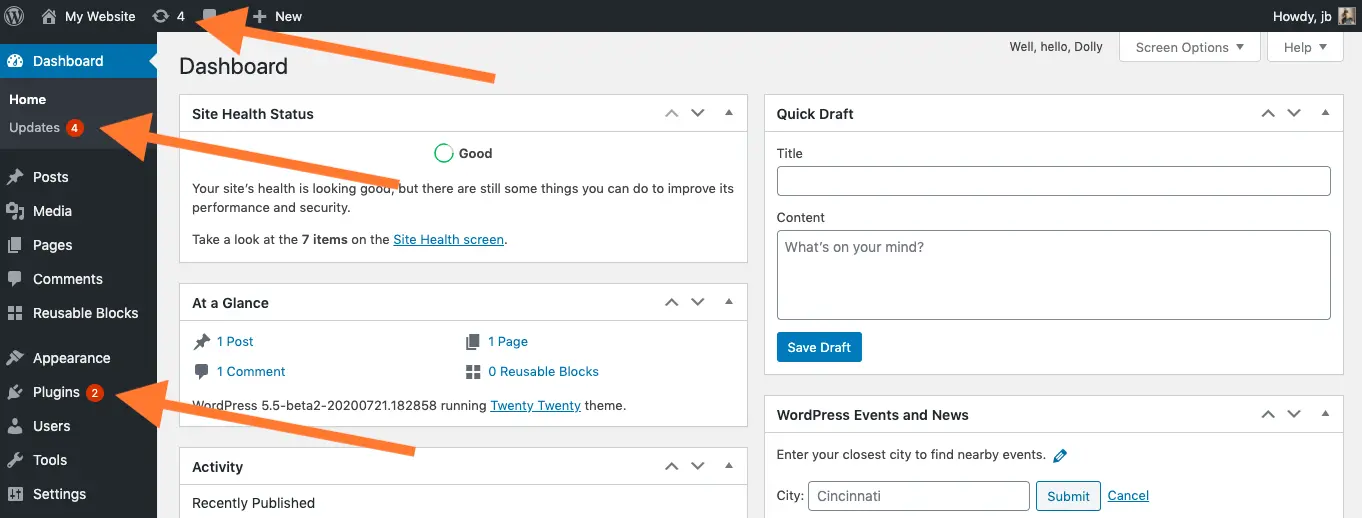
2. Software Updates
This includes updating your website’s core software (like WordPress or Joomla), as well as any plugins, extensions, or themes.
These updates often contain critical security patches, bug fixes, and new features. As highlighted by HubSpot, failing to apply updates is a major security risk.
3. Security Scans
Regularly scanning your website for malware and other security vulnerabilities is essential for protecting your site and your customers. Many security plugins and services can automate this process.
One recommended tool is Security Headers by Snyk, which quickly checks whether your site uses essential HTTP response headers like Content-Security-Policy and Strict-Transport-Security.
These headers help protect against common threats such as cross-site scripting (XSS), clickjacking, and code injection.
By scanning and fixing missing or weak security headers, you reduce your exposure to malicious attacks and improve trust with both users and search engines.
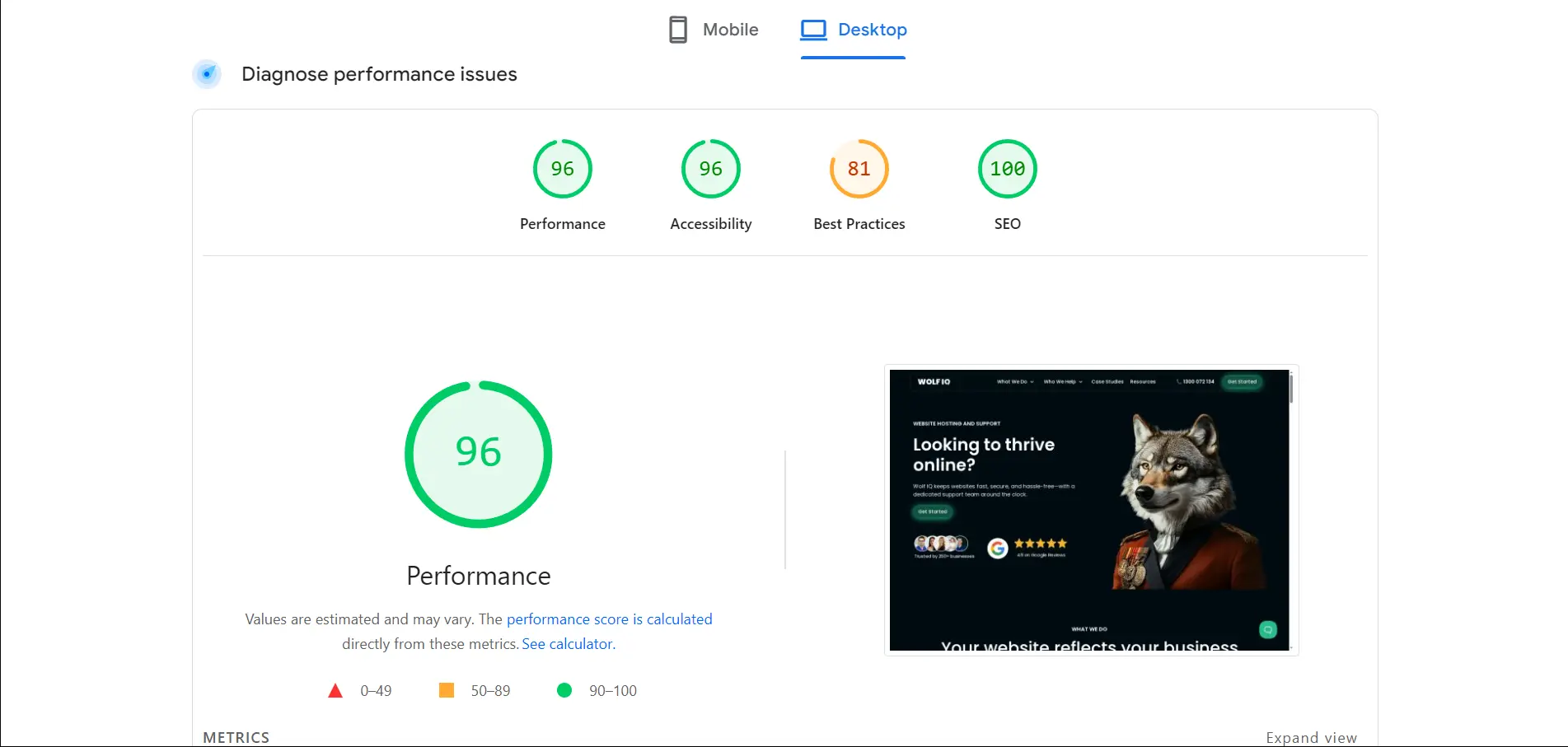
4. Performance Checks
Your website’s loading speed has a direct impact on user experience and SEO.
Regularly testing your site’s performance and optimising images, code, and server response times is crucial for keeping it fast and responsive.
You want to focus on mobile Core Web Vitals first, as Google uses mobile-first indexing. Consider using Australian-based CDN services to improve loading times for local users.
5. Broken Link Checks
Broken links create a frustrating user experience and can harm your SEO. Regularly scanning your site for broken links and fixing them promptly is a simple but important maintenance task.
We recommend Dr. Link Check because it’s free, fast, and provides a detailed report showing which anchor text contains each broken link.

6. Content and SEO Updates
Keeping your website’s content fresh and relevant is key to engaging your audience and improving your search engine rankings.
This includes adding new blog posts, updating existing content, and optimising for relevant keywords.
7. E-commerce Maintenance
For online stores, maintenance also includes managing product listings, updating pricing and inventory, and ensuring that your payment gateway and shipping integrations are working correctly.
DIY vs. Outsourcing: What’s Right for You?
A key decision for any business using WordPress for their website is whether to handle the maintenance in-house or outsource it to a professional agency.
There are pros and cons to both approaches, and the right choice depends on your budget, technical expertise, and the complexity of your website.
The DIY Approach
If you have the time and technical confidence, you can certainly handle some basic maintenance tasks yourself. This can be a cost-effective option, especially for simple websites. If you go the DIY route, here are the key things you need to monitor:

1. Weekly Checklist:
- Run a full backup of your website (files and database).
- Check for and install any software, plugin, and theme updates.
- Run a security scan to check for malware.
- Check your website’s loading speed using a tool like Google PageSpeed Insights.
2. Monthly Checklist:
- Review your website’s analytics to track traffic, user behaviour, and conversions.
- Check for broken links and fix them.
- Review and update your website’s content.
- Test your website on different devices and browsers to ensure it’s responsive.
3. Quarterly Checklist:
- Review your SEO strategy and keyword rankings.
- Change your passwords (admin, FTP, hosting).
- Review your website’s design and user experience. Is it still meeting your customers’ needs?
Outsourcing to WordPress Experts
While DIY can save you money, it can also be time-consuming and risky if you’re not sure what you’re doing.
For many small businesses, outsourcing WordPress maintenance to a professional agency is a smarter investment. Here’s why:
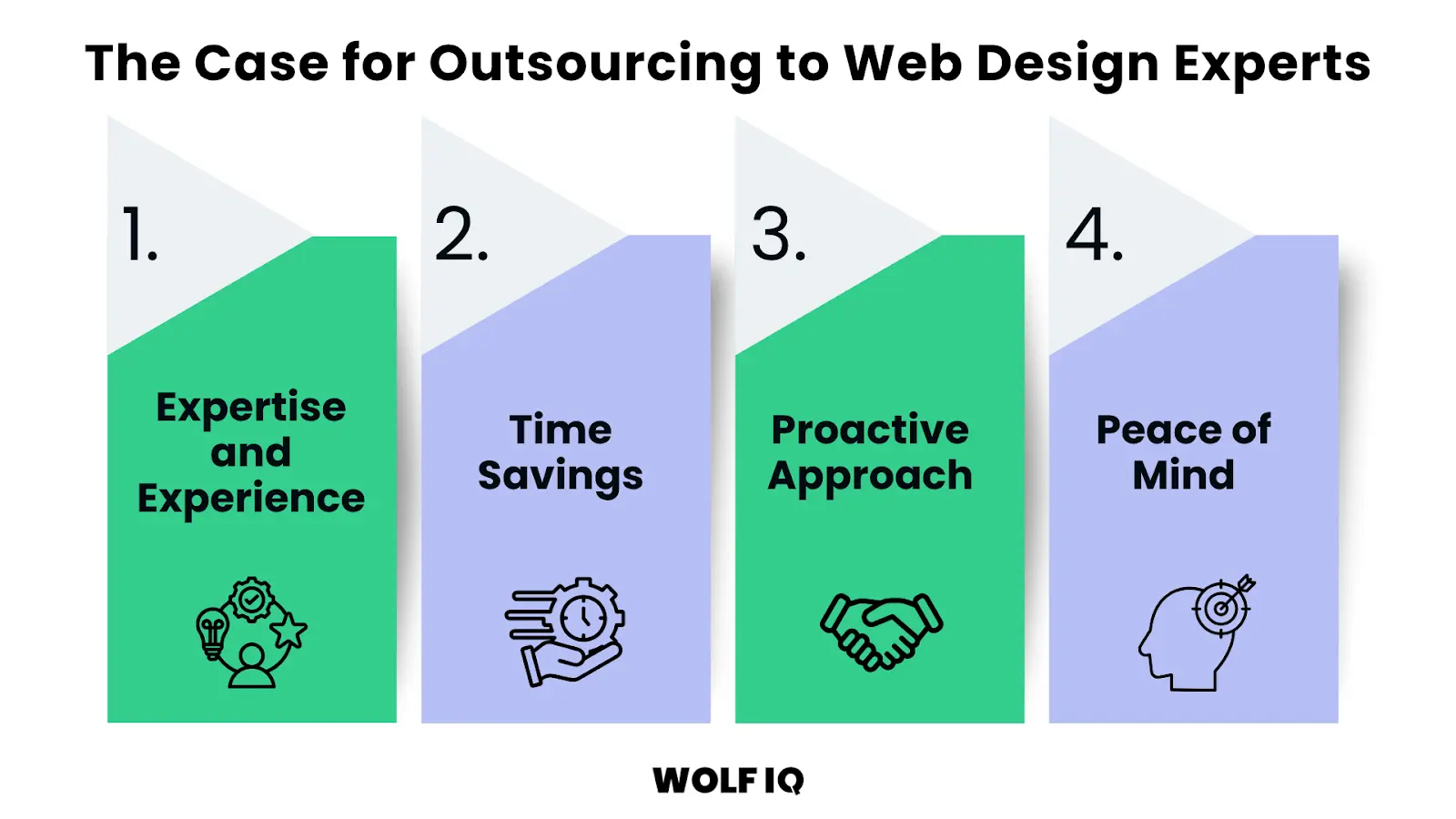
- Expertise and Experience: A professional agency has the technical expertise to handle all aspects of WordPress maintenance, from security and performance to SEO and content updates. They know what to look for and how to fix problems quickly and efficiently.
- Time Savings: Outsourcing frees you up to focus on what you do best – running your business. You don’t have to worry about the technical details of your website.
- Proactive Approach: A good maintenance provider will take a proactive approach, identifying and fixing potential issues before they become major problems. This can save you from costly downtime and security breaches.
- Peace of Mind: Knowing that your website is in the hands of experts gives you peace of mind. You can be confident that your site is secure, up-to-date, and performing at its best.
How to Keep WordPress Maintenance Costs Down?
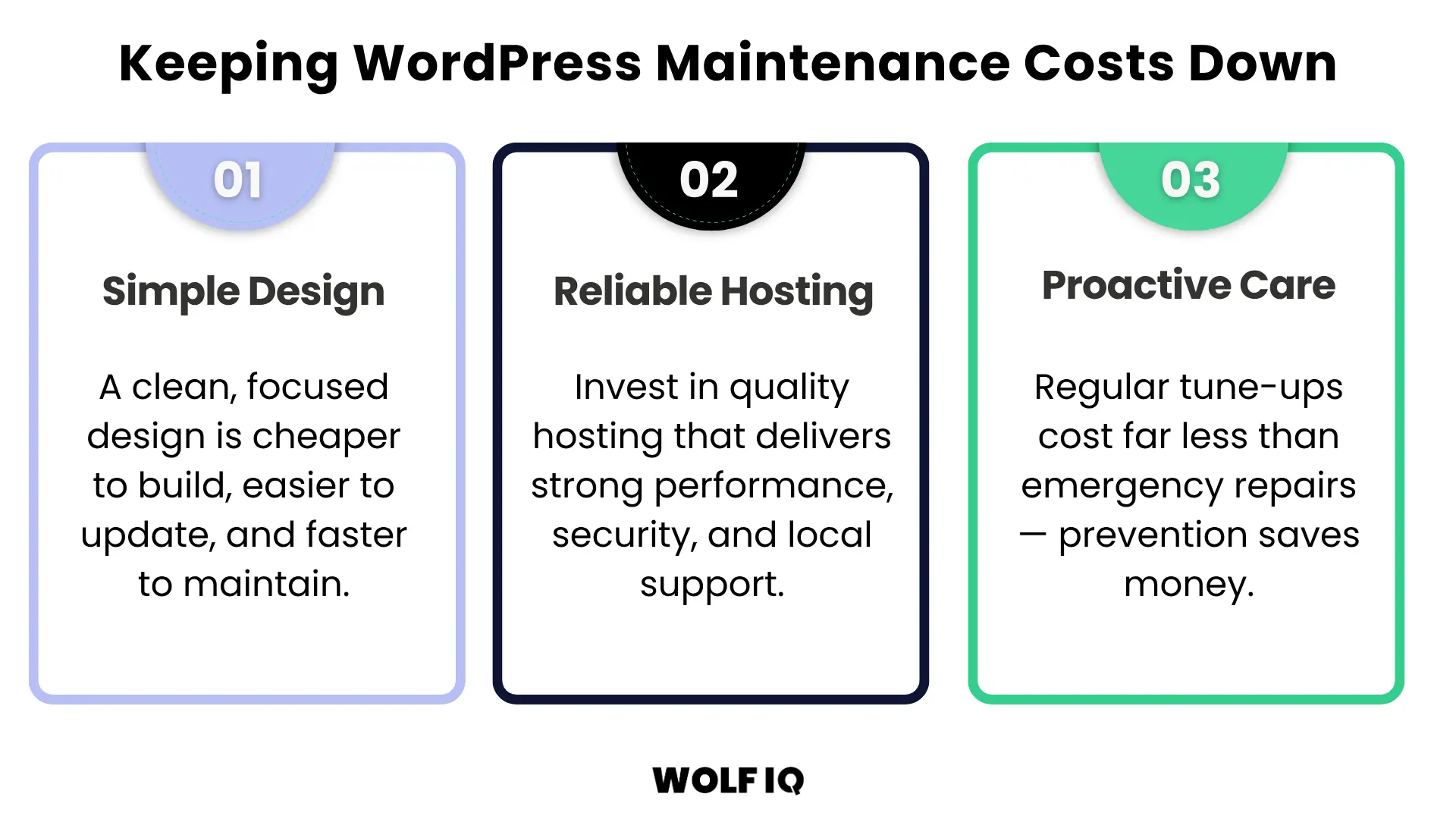
Whether you choose to DIY or outsource, there are three key strategies you can use to keep your WordPress maintenance costs under control. They are keeping the design simple, investing in quality web hosting and undertaking proactive care.
1. Simple WordPress Design
A simple, clean WordPress design is not only more user-friendly, but it’s also less expensive to maintain.
Complex designs with lots of features and custom functionality require more time and resources to update and troubleshoot.
By focusing on the core functionalities your business needs, you can reduce both your initial development costs and your ongoing maintenance expenses.
2. Reliable, Cost-Effective Hosting
Your choice of web hosting has a big impact on your website’s performance, security, and maintenance costs. While cheap offshore hosting providers can be tempting, it often comes with poor performance and limited support.
You want a reliable and local hosting provider that offers good performance, security features, and responsive support.
3. Proactive with Maintenance
It’s much cheaper to prevent problems than to fix them.
A proactive approach to maintenance, including regular backups, updates, and security scans, can save you from costly emergency repairs down the track. Think of it like servicing your car – regular tune-ups are much cheaper than a major engine failure.
How much should you budget for WordPress maintenance?
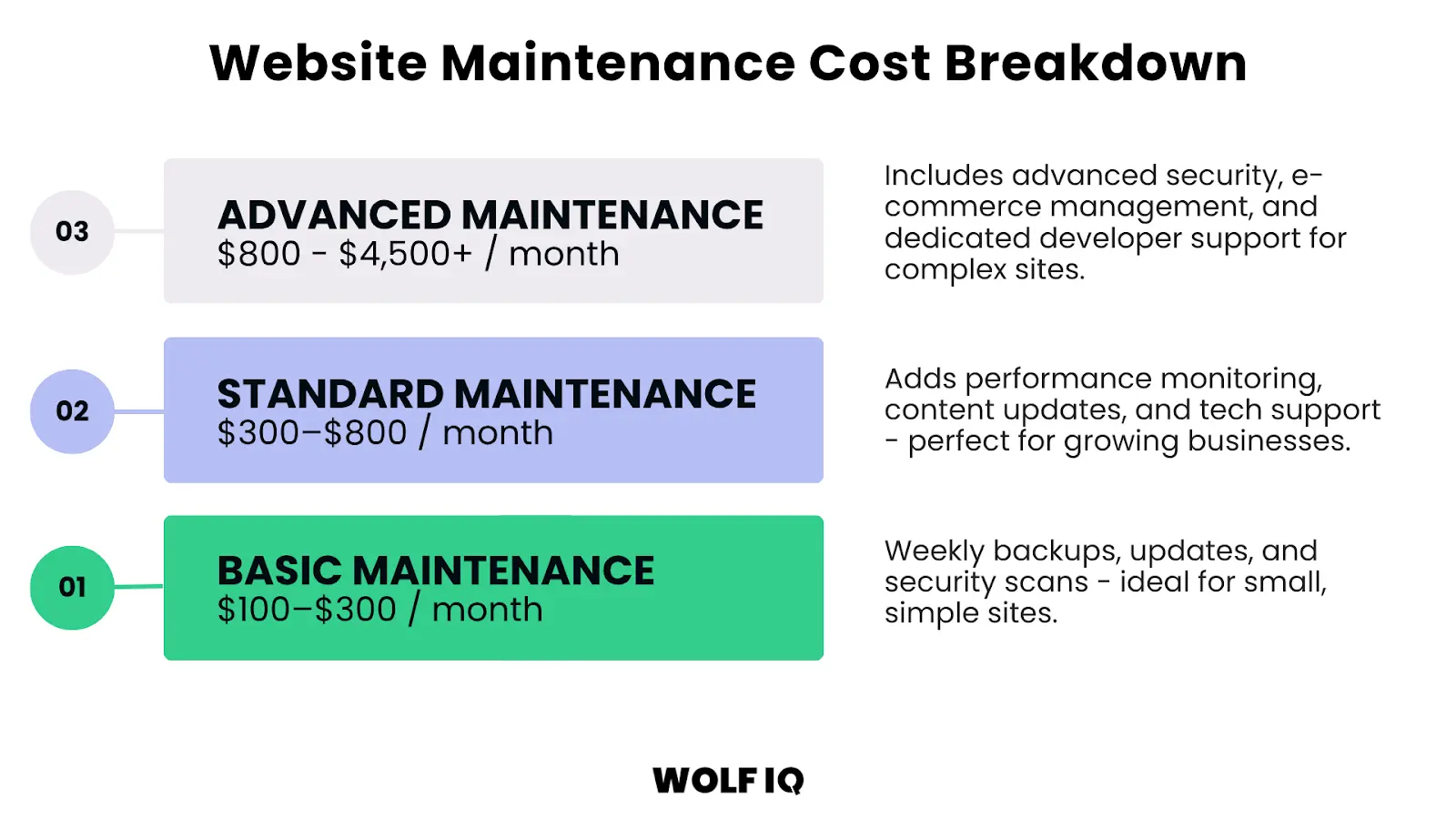
The cost can vary widely depending on the size and complexity of your site, but a general guide is $100 for basic coverage, $300 for professional coverage and over $800 for advanced coverage.
Basic Maintenance
Basic WordPress maintenance for small, simple websites is typically $100 - $300 per month.
This normally includes weekly backups, software updates, and security scans.
Standard Maintenance
Standard WordPress Maintenance for most small businesses is typically $300 - $800 per month.
This usually includes everything in the basic plan, plus performance monitoring, content updates, and technical support.
Advanced Maintenance
Advanced WordPress maintenance for e-commerce or more complex sites is typically from $800 all the way up to $4,500+ per month. The ceiling is where it becomes cheaper for you to hire someone internally and have them dedicated to it versus outsourcing externally.
This is for businesses that need comprehensive support, including advanced security, e-commerce management, and dedicated developer time.
These prices can vary significantly because websites do too. So whichever path you choose, it’s important to get a detailed quote that outlines exactly what’s included.
What is the total cost of a WordPress Website?
Now that you understand why a WordPress website is an ongoing asset that requires continuous maintenance, we can start to understand the total cost of ownership over a realistic timeframe.
Below is a worked example of the Total Cost of a WordPress Website for a small business over a 5-year useful life.
.webp)
- Year 1 investment of $5,000 due to initial design and development costs
- Years 1 –5 average approximately $3,000 annually for the domain ($50 per year), hosting ($550 per year), maintenance and support ($2,400 per year)
- Years 1 –5 average also include $200 per year of advanced plugins and integrations for automated reviews and email marketing
- A mid-life design refresh in Year 3 for $2,000 helps maintain competitiveness and user experience
The total cost over five-years for the website would be $23,000. However, viewing it as a 'cost' undermines the value it brings for your business. A website is an investment.
If the business is generating $50,000 annually from their website ($250,000 over 5 years), this equates to 11x return on that investment.
The key takeaway here is that while the upfront development cost is significant, the ongoing maintenance costs and revenue impact of the website are what determine whether your website becomes a profitable business asset or a liability.
Your Website is your #1 Marketing Asset
Your website is a powerful tool for growth, but only if it’s properly maintained.
By investing in regular WordPress maintenance, you’re not just preventing problems — you’re building a faster, safer, and more profitable online presence. Whether you manage it in-house or outsource to specialists, a proactive approach is essential.
Need a hand? Wolf IQ offers tailored WordPress maintenance solutions designed to keep your website secure, high-performing, and conversion-ready.
Wolf IQ maintains hundreds of WordPress websites for business owners and market leaders every month.




.webp)
.png)
.svg)
.svg)
.svg)