
A well-designed website is the cornerstone of success in today’s digital-first world. It serves as the face of your business, builds trust with customers, and is often the first step in converting visitors into buyers.
However, many small business owners unknowingly make mistakes that harm their website's effectiveness, user experience, and even search rankings.
Let’s dive into the 13 most common website mistakes and practical solutions to avoid them.
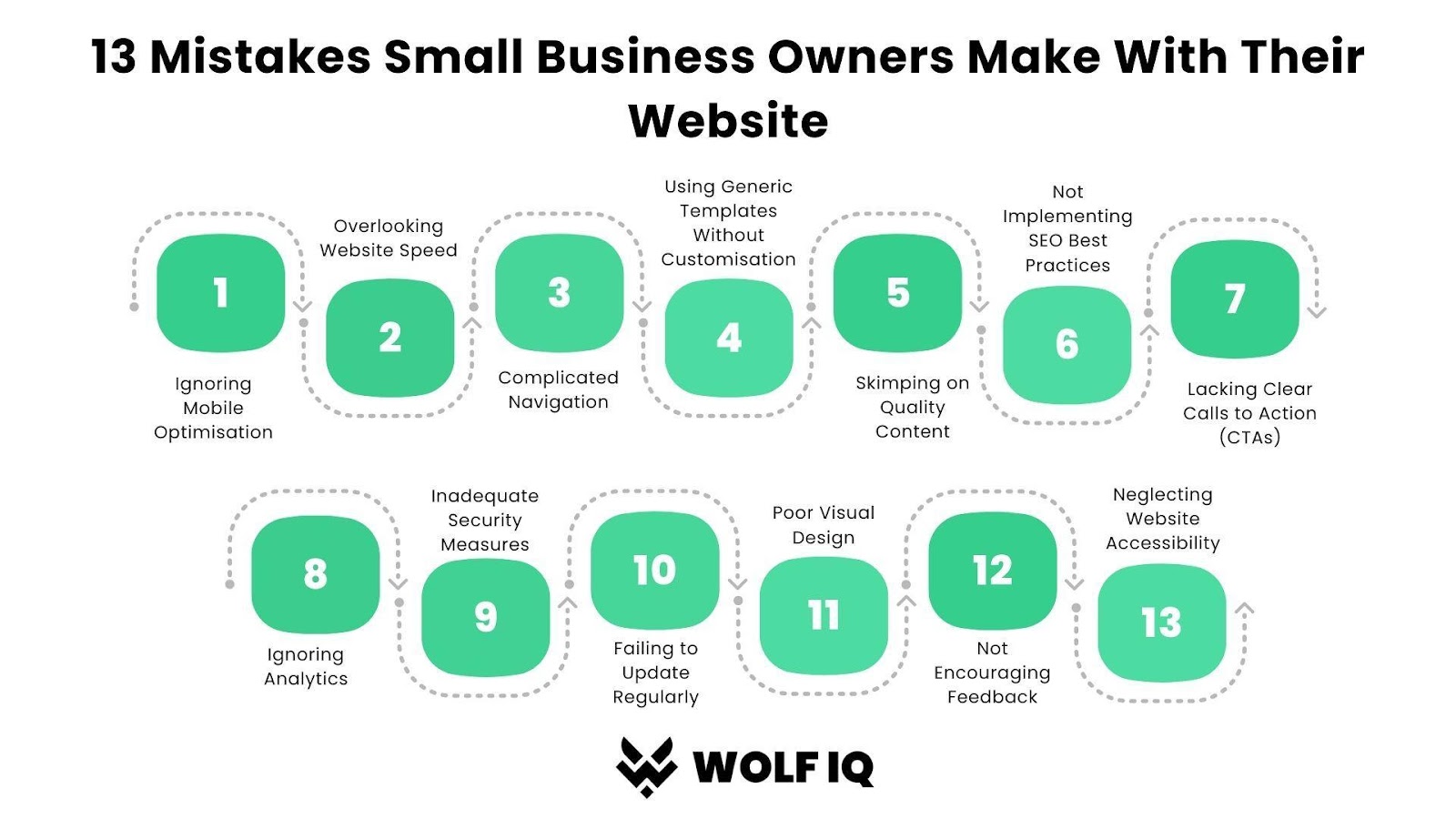
#1. Ignoring Mobile Optimisation
Mobile traffic accounts for more than 58% of global website visits. Without mobile optimisation, your website risks driving away users with poorly formatted content or clunky navigation.
Google also prioritises mobile-first indexing, meaning sites not mobile-friendly may rank lower in search results.
Solution: Use responsive web design to ensure your site adapts seamlessly to all screen sizes. Test its mobile-friendliness using tools like Google’s Mobile-Friendly Test.
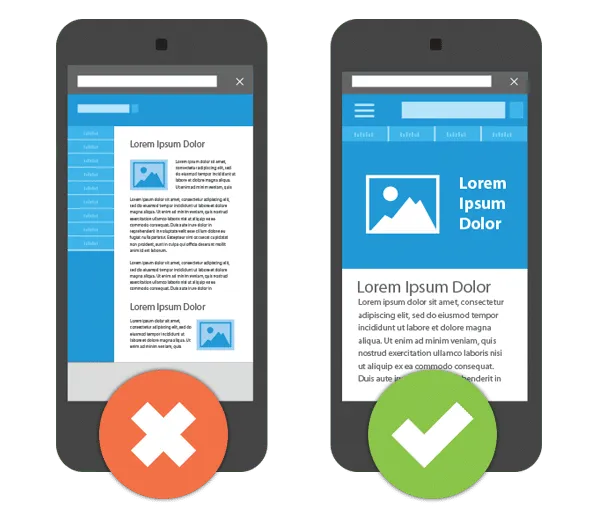
Mobile Optimisation
#2. Overlooking Website Speed
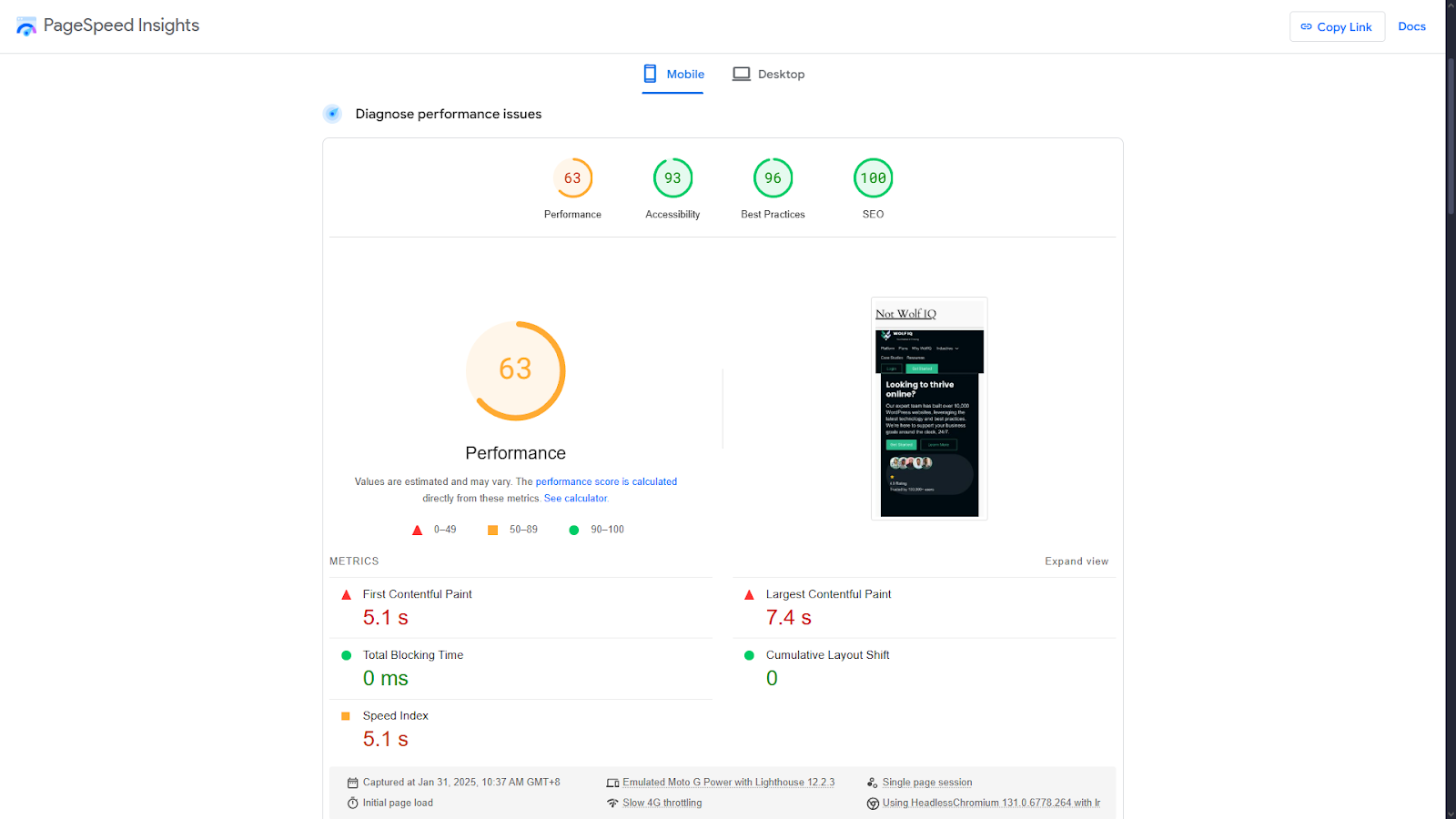
Slow websites lose visitors. Research by Google reveals that 53% of users abandon a site if it takes longer than 3 seconds to load. This not only impacts conversions but also harms your SEO rankings, as page speed is a key ranking factor.
Solution: Use tools like Google PageSpeed Insights or GTmetrix to evaluate your site’s speed. Compress images, implement lazy loading, and leverage caching.
Learn more about website optimisation and why it’s critical for small business success.
#3. Complicated Navigation
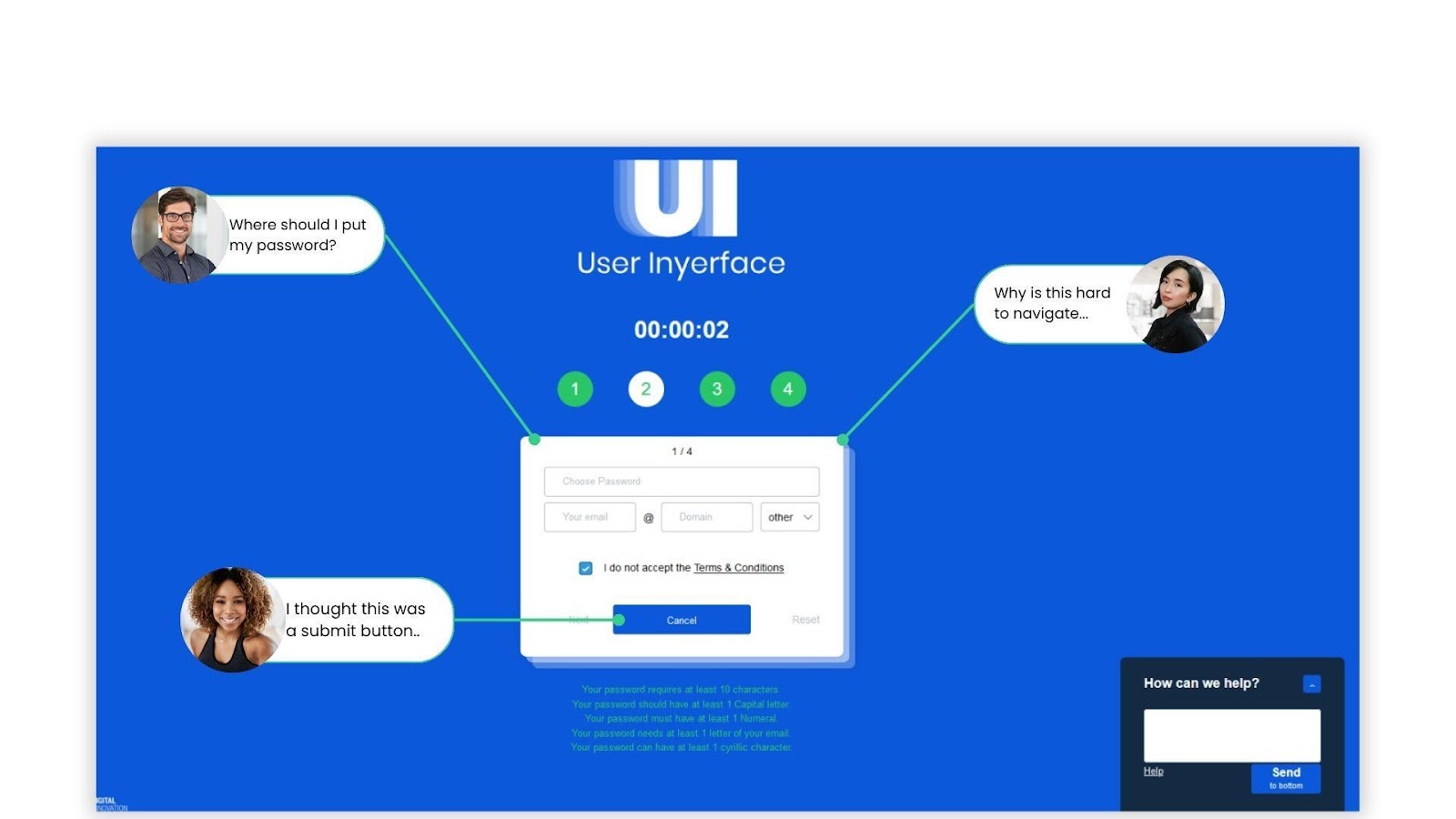
Imagine walking into a store where everything is disorganised - you’d likely leave. Similarly, a website with poor navigation frustrates users.
Research by HubSpot found that 76% of users say easy navigation is the most important feature of a website.
Solution:
- Limit your main menu to five or six clear categories.
- Add a search bar for convenience.
A streamlined and user-friendly design encourages visitors to stay on your site longer, explore your offerings, and take action. Below is an example of bad user experience created by Verhaert which you can also try for fun.
#4. Using Generic Templates Without Customisation
Your website is your brand’s digital storefront. A generic, cookie-cutter template might save time, but it won’t help your business stand out.
Personalisation increases engagement, with a study showing that tailored experiences can boost conversion rates by up to 80%.
Solution: Customise templates to include your brand colours, fonts, and messaging. Add unique touches like custom CTAs and branded imagery to create a memorable user experience.
#5. Skimping on Quality Content
Content is king—and not just any content, but quality content. HubSpot reports that businesses that blog generate 67% more leads than those that don’t.
A lack of valuable content can harm your credibility and reduce traffic to your website.
Solution: Develop well-researched, keyword-rich articles, videos, or infographics that solve your audience's pain points. Not sure where to start? Check out Why Your Website Needs a Blog: How to Start for actionable tips.
#6. Not Implementing SEO Best Practices
Search engine optimisation (SEO) is critical to driving organic traffic. Without it, you’re missing out on the 68% of online experiences that start with a search engine.
Solution: Conduct keyword research and optimise your site’s meta titles, descriptions, and headers. Focus on local SEO by setting up a Google Business Profile and earning backlinks from credible sources.
#7. Lacking Clear Calls to Action (CTAs)
CTAs act as guideposts for users. Without them, visitors may leave your site unsure of what to do next.
Solution: Use concise, action-oriented language like "Get Started" or "Contact Us Now." Place CTAs strategically—above the fold, at the end of blog posts, or within your site’s navigation.
#8. Ignoring Analytics
How can you improve your website if you don’t know what’s working? Analytics reveal user behaviour, traffic sources, and conversion rates, allowing you to make data-driven decisions.
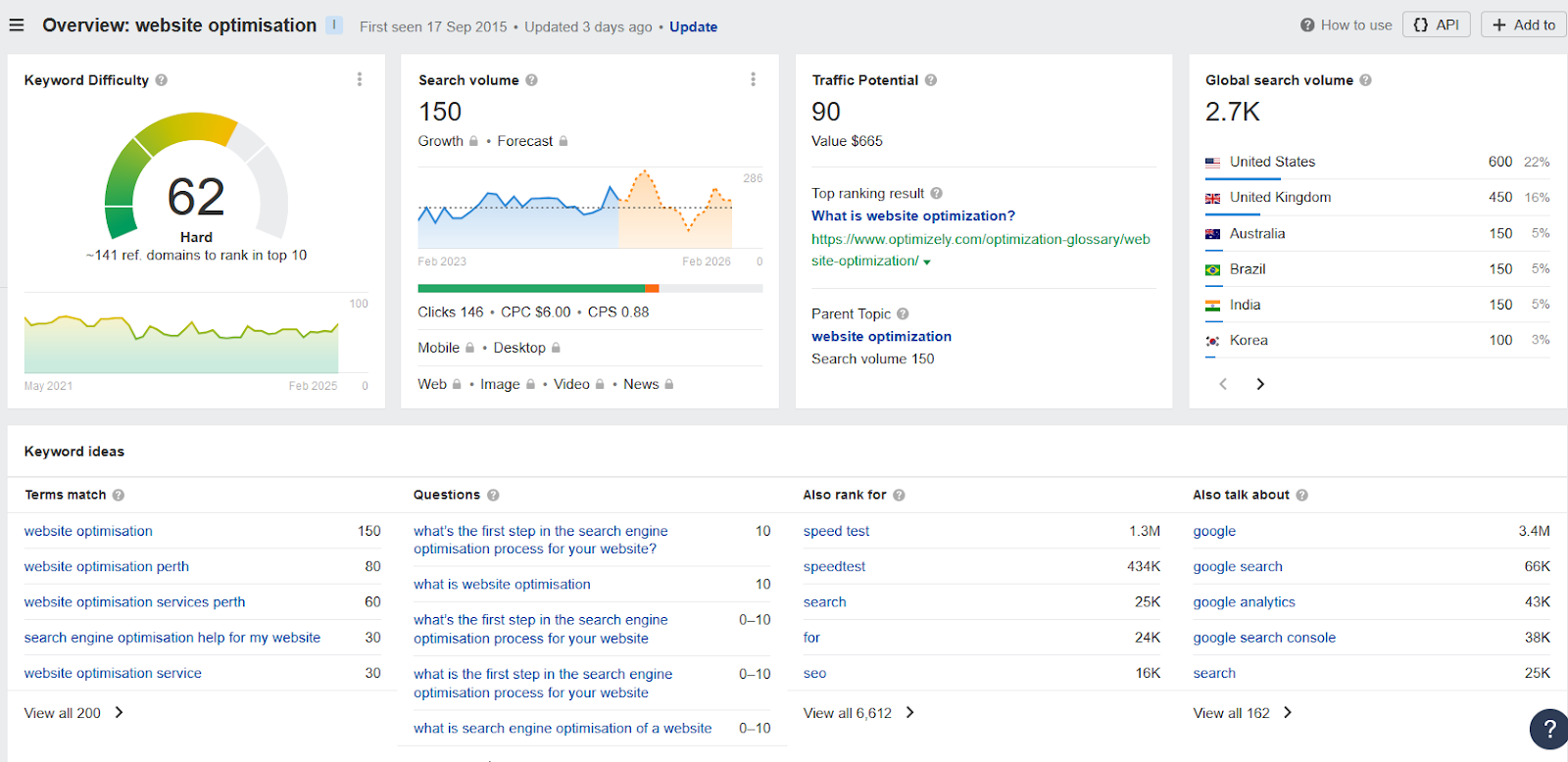
Solution: Use Google Analytics to track key metrics like bounce rate, session duration, and top-performing pages. Pair this data with heatmaps (via tools like Hotjar) to better understand user interaction.
#9. Inadequate Security Measures
Cybercrime is on the rise, with small businesses being a target for 43% of cyberattacks. Websites lacking proper security measures risk losing customer trust and facing financial repercussions.
Solution:
- Install an SSL certificate to ensure HTTPS encryption.
- Use secure hosting solutions.
- Keep plugins, themes, and platforms updated regularly.
#10. Failing to Update Regularly
An outdated website is a red flag to visitors and search engines alike. Regular updates improve your site’s functionality, security, and relevance.
Solution: Schedule monthly audits to review your site’s content, plugins, and overall design. Consider reading How to Optimise a Website for additional tips.
#11. Poor Visual Design
Your website’s design is the first thing visitors notice. A poorly designed site can give the impression of an unprofessional business.
Solution: Prioritise a clean, modern design. Stick to a cohesive colour palette, use high-resolution images, and ensure your fonts are readable. Consider incorporating responsive web design principles.
#12. Not Encouraging Feedback
Failing to gather user feedback is a missed opportunity to improve your website and customer experience. 77% of customers view brands more favourably if they proactively seek and apply feedback.
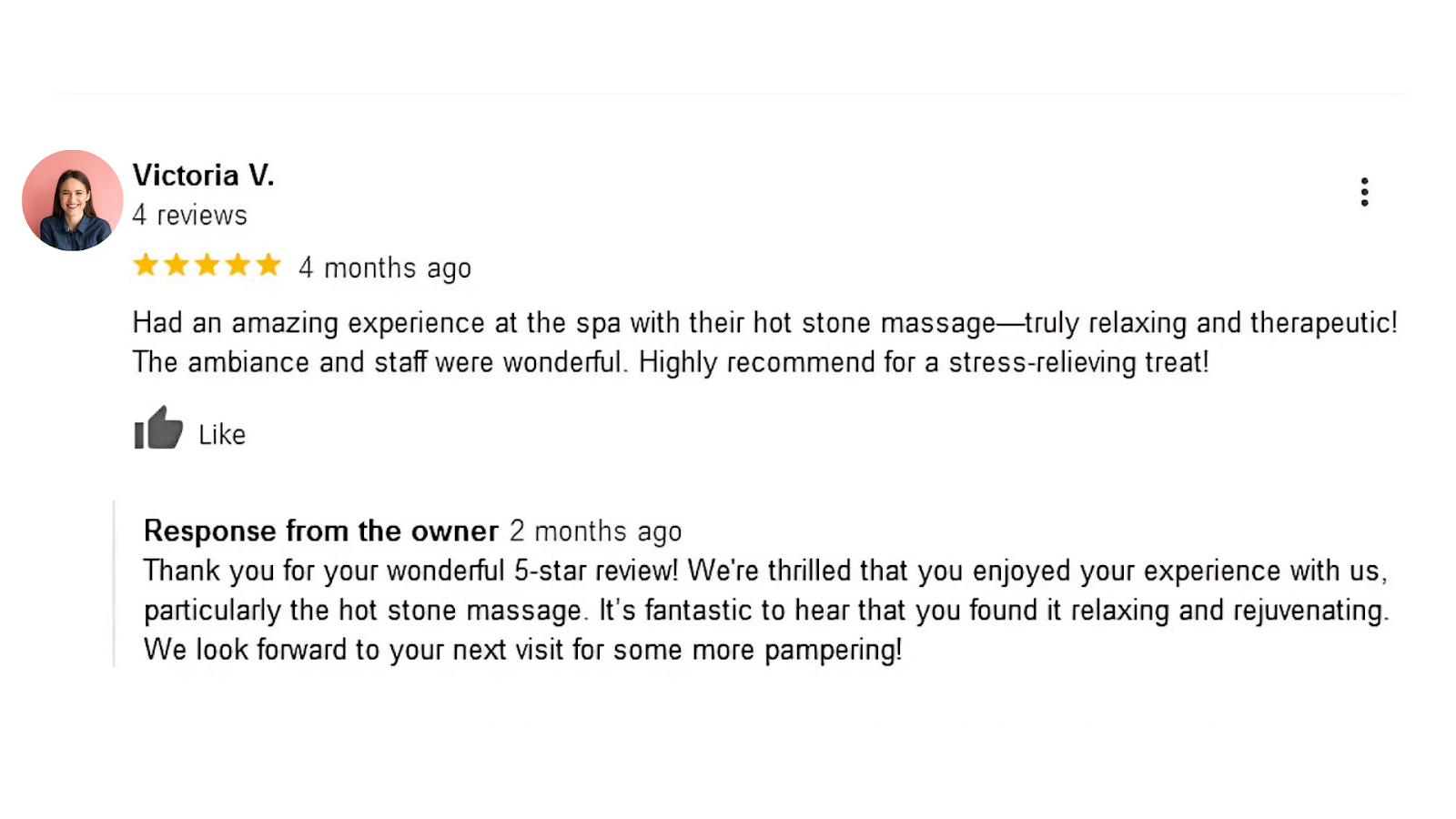
Solution: Include feedback forms, live chat options, or surveys to engage users. Tools like Google Forms or Typeform make collecting feedback seamless.
#13. Neglecting Website Accessibility
Making your website accessible to people with disabilities isn’t just ethical -
It’s also good for business. Inclusive design can expand your audience and help you comply with legal standards like Australia’s Disability Discrimination Act (DDA).
Solution: Add alt text to images, ensure keyboard navigation works, and maintain high colour contrast. Accessibility tools like WAVE or AXE can help you audit your site.
Conclusion
Your website is one of your most valuable business assets.
Avoiding these 13 common mistakes can dramatically improve user experience, boost search rankings, and enhance your online success.
Ready to build or improve your website? Start your journey with Wolf IQ, a trusted partner in website design, development, and hosting.
Let’s help you create a website that drives results!