
Making your site mobile-friendly isn’t just a ‘nice to have’, it’s how you keep things smooth and accessible for your audience.
A mobile-first design approach ensures that your website delivers an optimal experience for mobile users while maintaining adaptability for larger screens.
Businesses that fail to adopt this strategy risk falling behind competitors in user engagement, conversion rates, and search engine rankings.
This article will explore what mobile-first design is, why it matters, and how adopting this strategy can transform your website into a competitive digital asset.
What is Mobile-First Design?
Mobile-first just means your site is built to work great on a phone, because that’s where most people are.
- Instead of retrofitting desktop designs for mobile, mobile-first design prioritises the constraints of smaller screens (e.g., limited space and touchscreen navigation).
- Think of it like setting up a market stall; if you can make it look great in a tiny space, it’ll shine even more when you have room to expand.
This approach aligns with modern browsing behaviours and ensures your website is both user-friendly and search engine-friendly.
Your Website’s Mobile-First Checklist
| Mobile-First Checklist | Why It Matters |
|---|---|
| Can people tap everything easily on your site? | Buttons should be big enough to use comfortably on a phone. |
| Does your site load on mobile in under 3 seconds on mobile? | Slow sites lose visitors, especially on mobile data. |
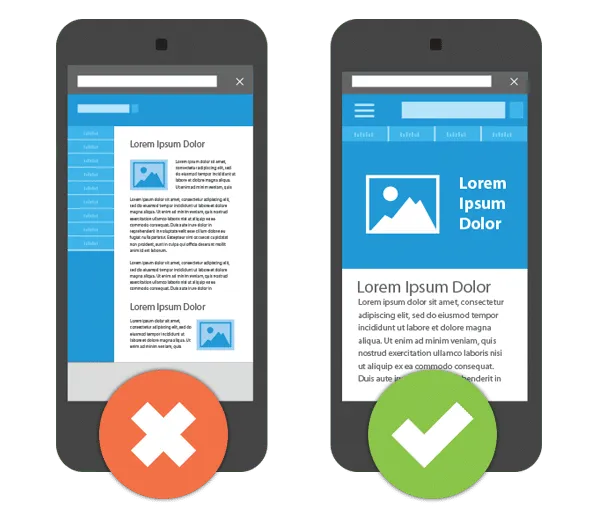
| Does it resize nicely on phones and tablets? | Your layout should adapt without squishing or breaking. |
| Are key mobile actions (like “Call Now” or “Buy”) visible straight away? | People shouldn’t have to scroll to take action. |
| Have you tested your site using Google PageSpeed Insights? | It helps you spot and fix speed issues quickly. |
Why Mobile Is So Important
The shift towards mobile browsing is undeniable, and businesses must adapt to stay relevant. Consider these statistics:
- Most of your customers are checking out your website on their phones, so it needs to feel fast and easy, or they’ll bounce.
- Google reported that users are five times more likely to abandon a website that isn’t mobile-friendly.
- By 2025, 72% of internet users are expected to rely solely on smartphones for web access.
These figures highlight why businesses must prioritise mobile-first design: it’s where your customers are spending most of their time.
Benefits of Mobile-First Design
#1 Improved User Experience
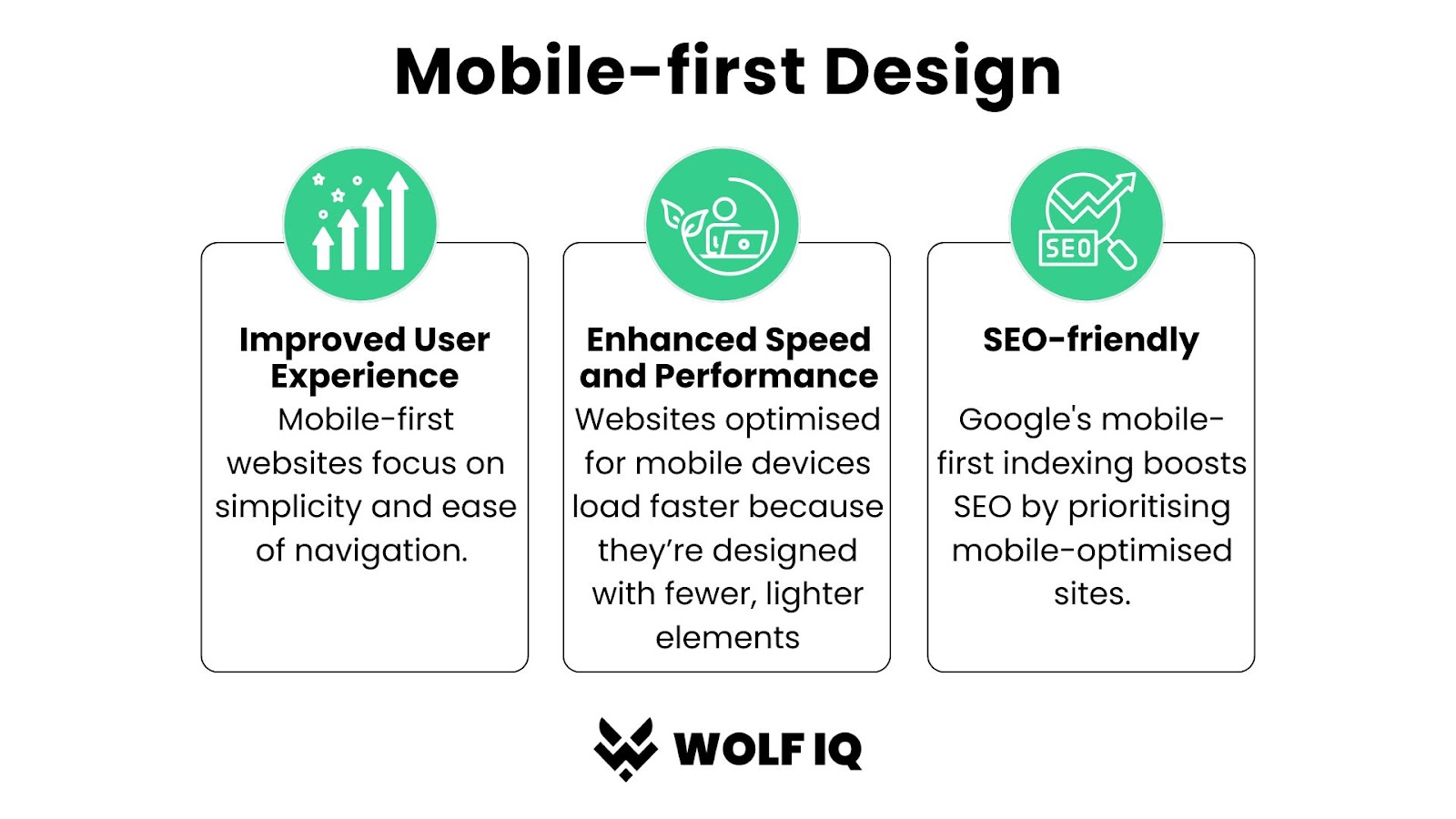
Mobile-first websites focus on simplicity and ease of navigation. Features like large, tappable buttons, streamlined menus, and optimised layouts ensure a seamless user experience.
For example, a mobile-first online store eliminates unnecessary clicks, enabling users to browse and purchase products effortlessly on small screens.
Speed is also important for your visitors. If your homepage drags for even a few seconds, your next client might give up and call someone else.
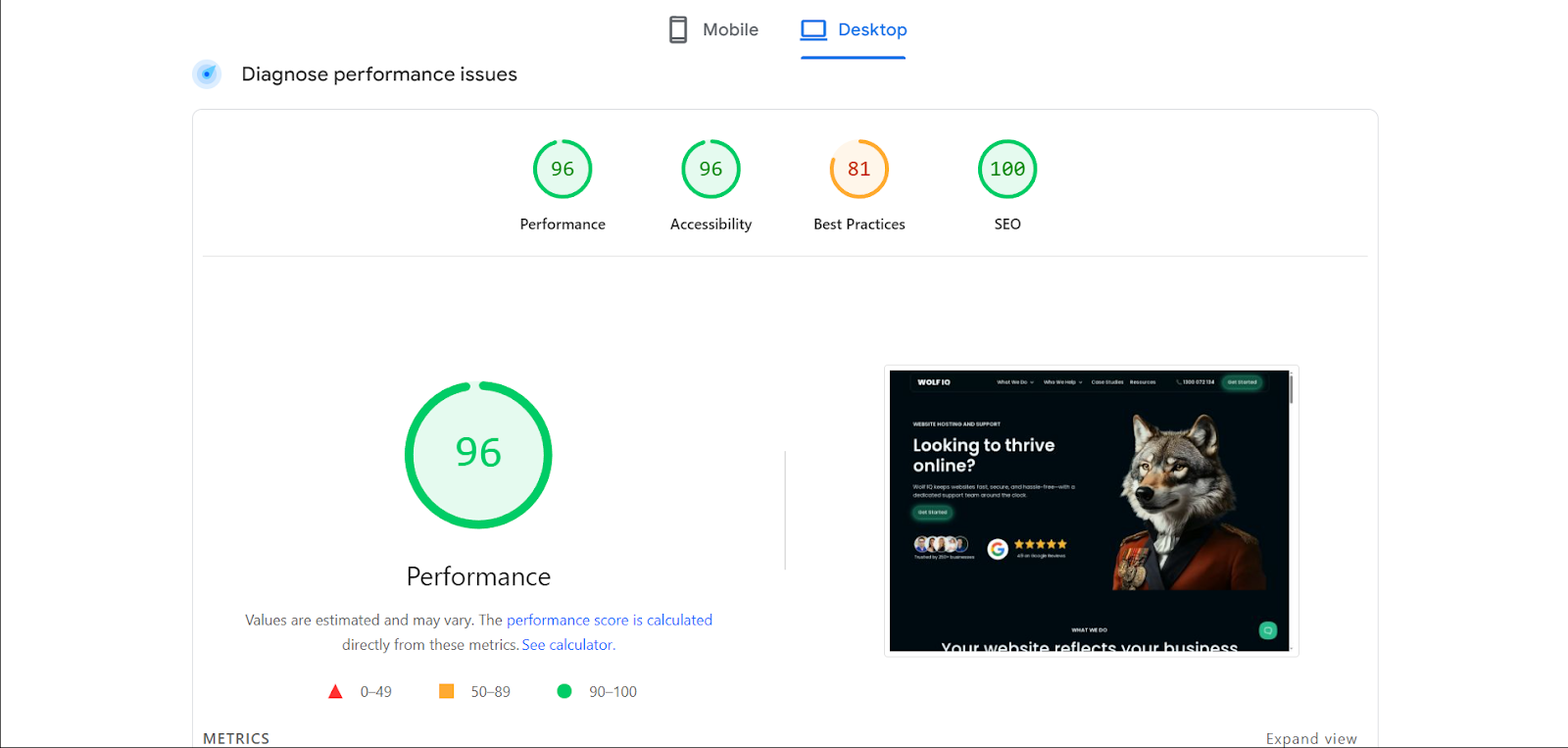
Tools like Google PageSpeed Insights can help assess and improve your website’s load time.
#2 Better Discoverability and Search Rankings
Google rewards mobile-friendly sites by ranking them higher, so if you want more people to find you online, this matters. A well-optimised mobile site enhances:
- Crawlability: Ensuring search engines can easily index your site.
- Engagement Metrics: Reduced bounce rates and higher time-on-site boost SEO performance.
A mobile-first approach is no longer just about convenience; it’s a critical factor in gaining visibility on search engines.
The Three Key Elements of Mobile-First Websites
A successful mobile-first website incorporates the following:
#1. Have a Simplified Navigation
The mobile-first design prioritises quick and intuitive access to content. For instance:
- Use hamburger menus to reduce clutter.
- Design layouts that minimise scrolling and input.
#2. Ensure Responsive Layouts
Make sure your layout and images adjust automatically, so things don’t look squished or broken on smaller screens. Here’s how to do it:
- Fluid grids: Layouts that adjust proportionally to the screen.
- Flexible images: Automatically resize visuals to avoid distortion.
#3. Prioritised Quick, Scannable Content
Content must be concise, scannable, and focused on user intent.
- Hierarchy: Place critical information (e.g., calls-to-action) above the fold.
- Readable fonts: Use larger, mobile-friendly typography.
By placing essential content at the forefront, you ensure users immediately find what they’re looking for.
Mobile-First Design Challenges You Can Expect
Designing for mobile-first isn’t without its challenges:
Your Visitors have Limited Screen Space
Smaller screens mean designers must carefully prioritise content and avoid clutter
A practical solution is to adopt a content-first approach, where only the most essential elements are displayed prominently.
Expect Variable Internet Speeds
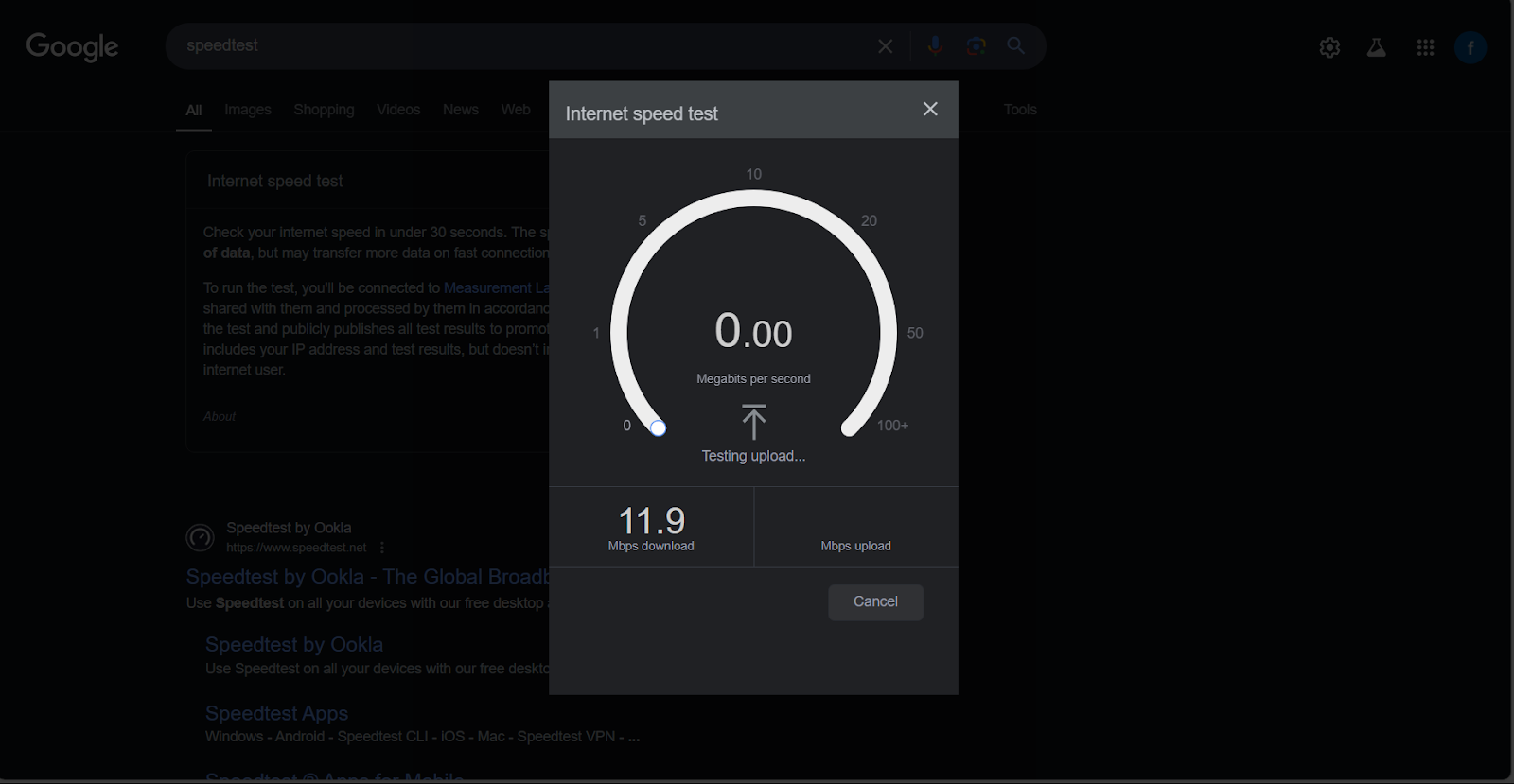
Users often browse on slower mobile networks. Combat this with:
- Image compression: Reduce file sizes without sacrificing quality.
- Lazy loading: Load images and assets only when users scroll to them.
These challenges aren’t roadblocks; they’re reminders to design with real users in mind.
Conclusion
Adopting a mobile-first design strategy is crucial for delivering an optimal user experience and staying ahead in today’s competitive digital environment.
By prioritising mobile compatibility, businesses can improve performance, enhance SEO rankings, and cater to a growing audience of mobile users.
Want a site that feels great on mobile and helps your business grow? Let’s have a quick chat.
For more tips on mobile responsiveness, see our related guide: What Is Responsive Web Design?