
Website optimisation is a crucial factor in creating a successful online presence.
For small businesses, it’s not just about following trends—it’s about making strategic decisions that enhance usability, engagement, and conversions.
Yet, many business owners make common mistakes that hinder their website’s potential.
This guide highlights eight critical errors and provides practical strategies to avoid them, ensuring your website performs effectively and helps grow your business.’
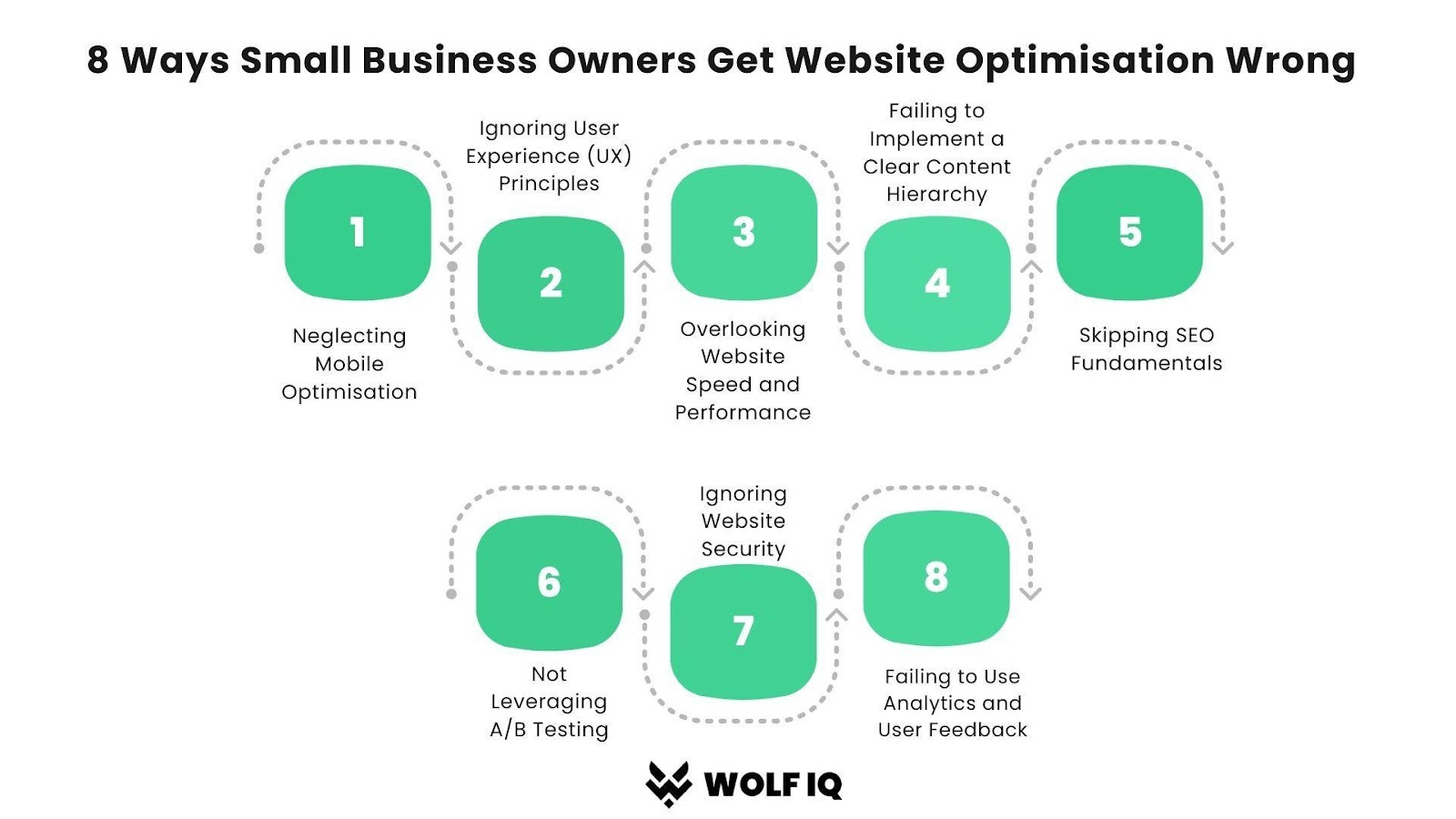
#1. Neglecting Mobile Optimisation
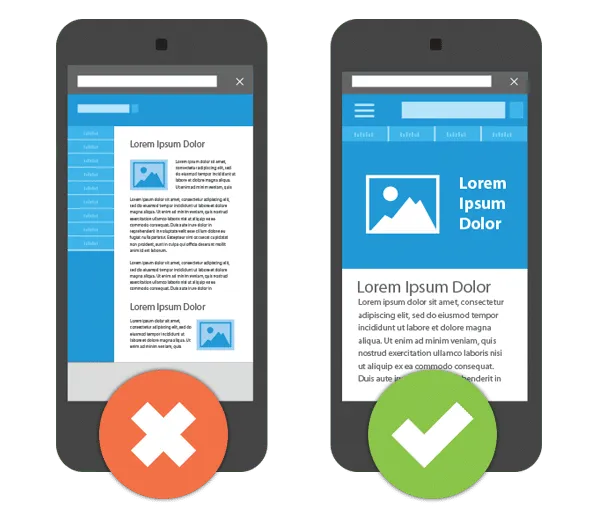
A recent study says 58% of web traffic in Australia comes from mobile devices, having a mobile-friendly website is no longer optional—it’s a necessity. Yet, many small business websites are not optimised for smaller screens.
How to Fix This:
- Responsive Design: Ensure your website adjusts to fit any screen size, from smartphones to tablets and desktops.
- Mobile Testing: Test your site on various mobile devices to identify usability issues.
- Touch-Friendly Elements: Make sure buttons, links, and navigation are large enough and easy to tap.
Google’s mobile-first indexing prioritises websites optimised for mobile users, making this a key factor in your site’s rankings and overall success.
A responsive, mobile-friendly design can significantly enhance user engagement and conversions.
#2. Ignoring User Experience (UX) Principles
A well-designed website isn’t just visually appealing—it’s easy to use.
A poor user experience (UX) leads to higher bounce rates and fewer conversions. Research shows 88% of users are less likely to return to a website after a bad experience
What to Do:
- Simplify Navigation: Use a clear and intuitive menu structure.
- Engage Users: Include high-quality visuals and interactive elements like videos or animations.
- Provide Feedback Options: Enable features like chatbots or feedback forms to collect user input.
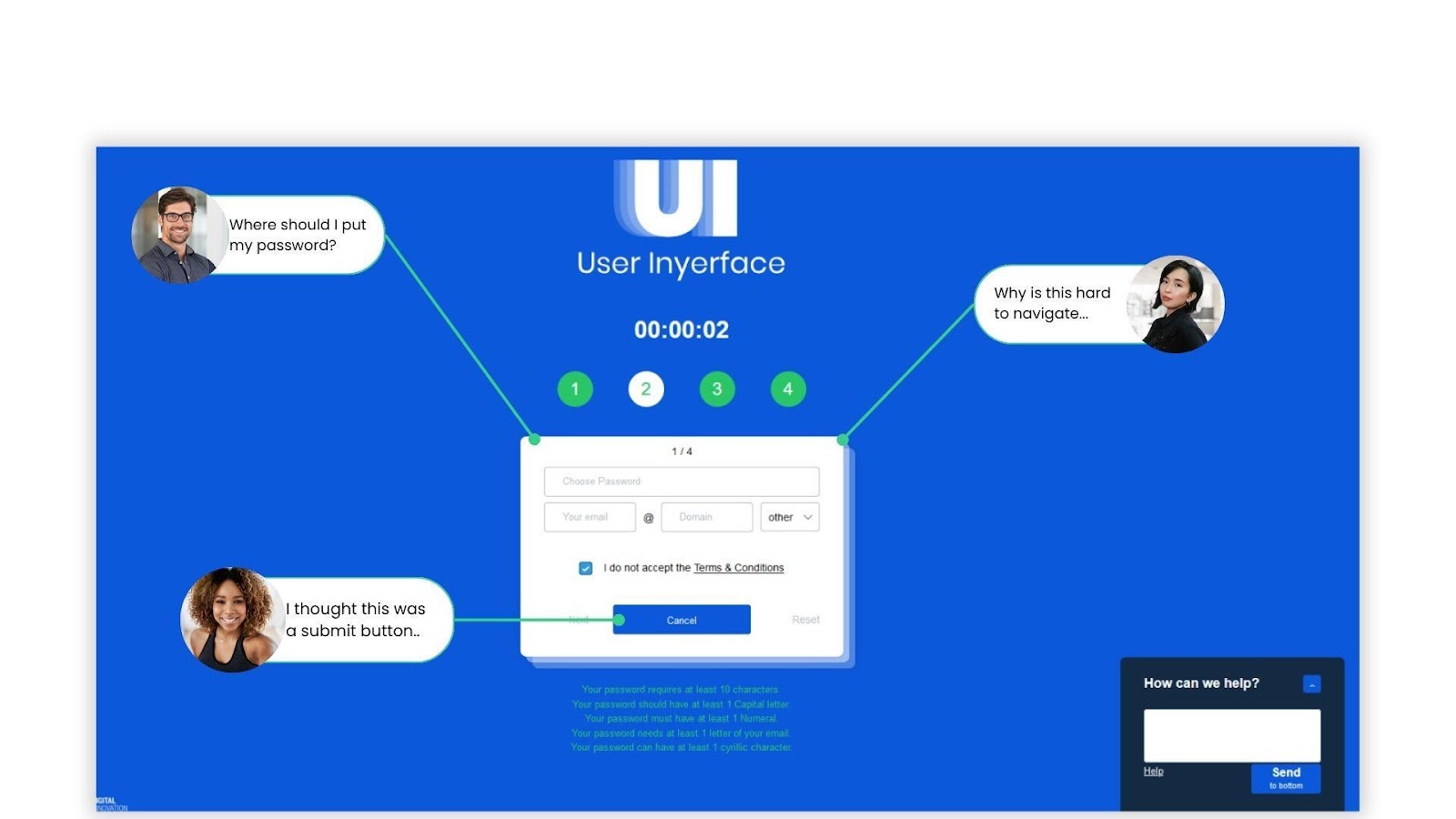
A streamlined and user-friendly design encourages visitors to stay on your site longer, explore your offerings, and take action. Below is an example of bad user experience created by Verhaert which you can also try for fun.
#3. Overlooking Website Speed and Performance
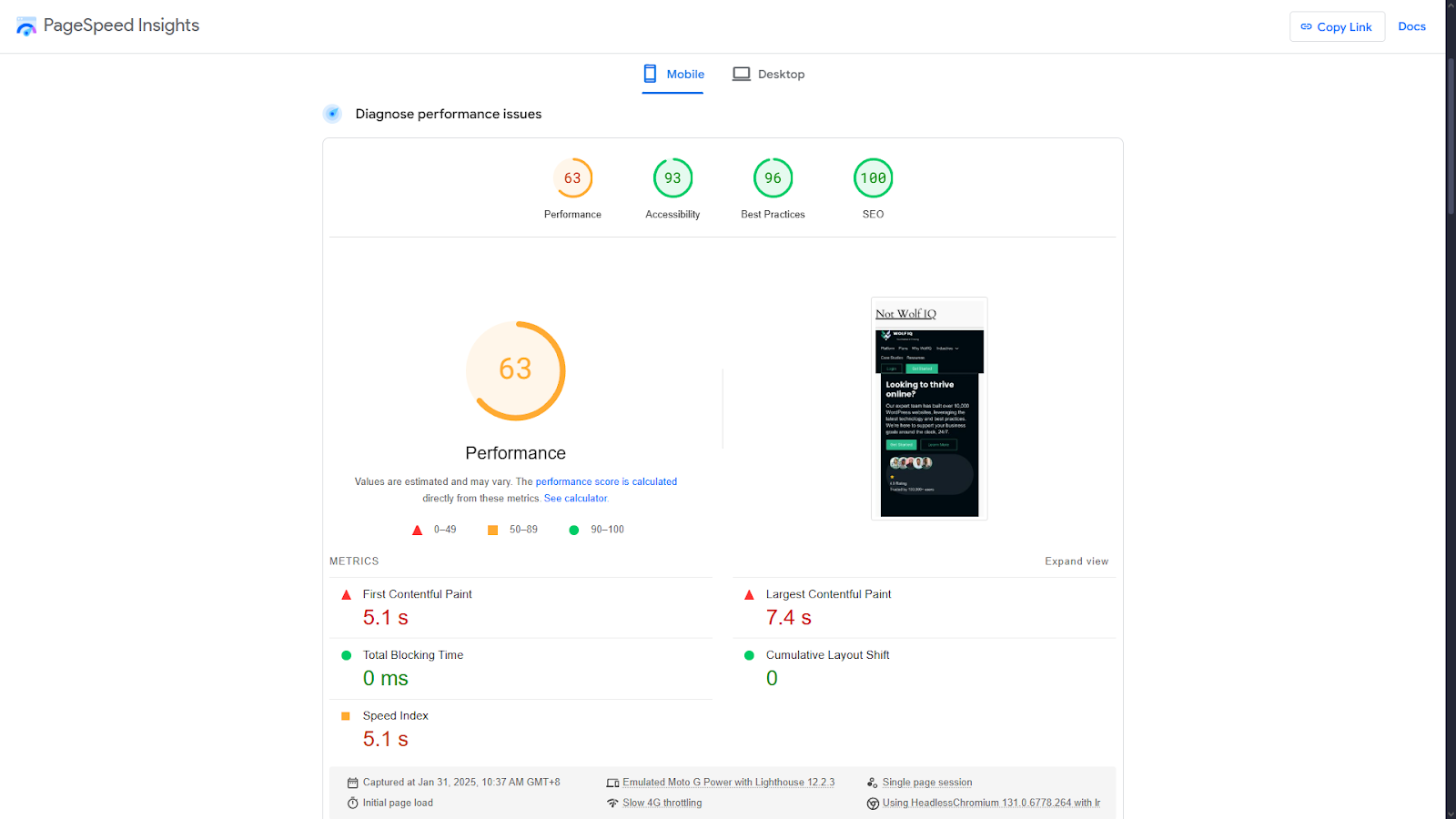
Website speed has a direct impact on user satisfaction and SEO.
Google’s research mentions that 53% of users leave a website if it takes longer than three seconds to load.
Key Improvements:
- Image Optimisation: Compress large image files to reduce loading times without sacrificing quality.
- Code Minification: Remove unnecessary HTML, CSS, and JavaScript.
- Caching: Use browser and server caching to speed up repeat visits.
A faster website not only keeps visitors engaged but also improves your search engine rankings.
#4. Failing to Implement a Clear Content Hierarchy
A well-organised content hierarchy makes it easy for visitors to find the information they need. Poor organisation, on the other hand, confuses users and lowers engagement.
Best Practices:
- Prioritise Key Information: Place your most important content prominently.
- Logical Flow: Structure your pages so that they naturally guide users from one section to the next.
- Strategic CTAs: Position clear calls to action (e.g., “Contact Us” or “Learn More”) where they’re most likely to convert.
A logical content structure keeps users on your site longer, improving their experience and increasing the likelihood of conversions.
For tips on creating great content, see How to Write a Blog Post in 20 Minutes.
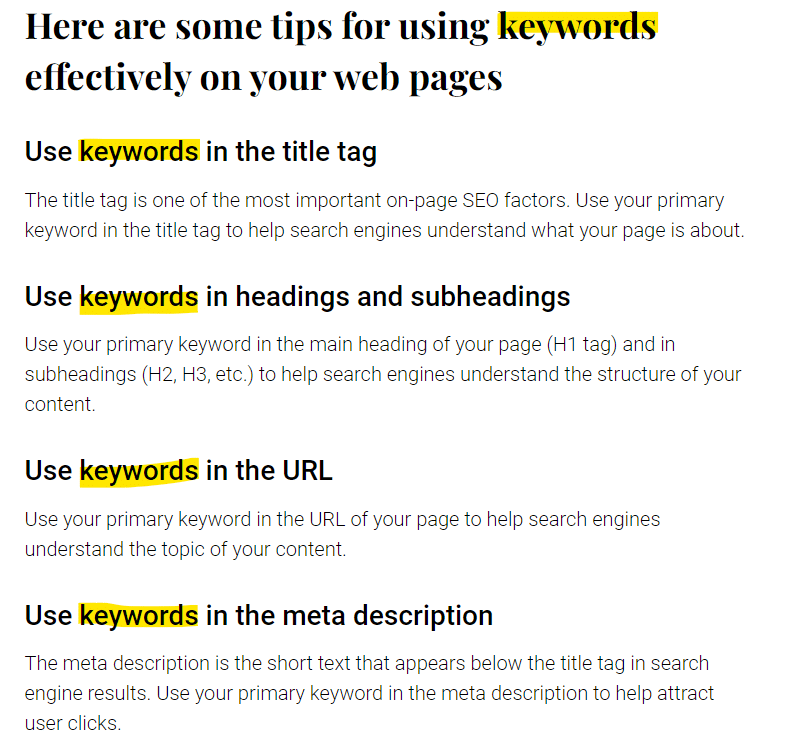
#5. Skipping SEO Fundamentals
SEO remains one of the most effective ways to drive organic traffic to your website. However, small business owners often overlook basic SEO practices, making it harder for potential customers to find their sites.
SEO Essentials:
- Keyword Optimisation: Naturally incorporate relevant keywords into your content.
- Meta Tags: Create unique and compelling title tags and meta descriptions for every page.
- Regular Content Updates: Refresh your site with new content to stay relevant.
Search engines favour sites that are both user-friendly and rich in valuable content.
#6. Not Leveraging A/B Testing
Testing different versions of your website can help you identify what works best for your audience. Without it, you’re essentially guessing what users prefer.
Simple A/B Testing Steps:
- Test different versions of headlines, layouts, CTAs, or images.
- Use tools like Google Optimise or Optimizely to track performance.
- Implement changes based on data-driven insights.
Small adjustments from A/B testing can yield significant results in user engagement and conversion rates.
#7. Ignoring Website Security
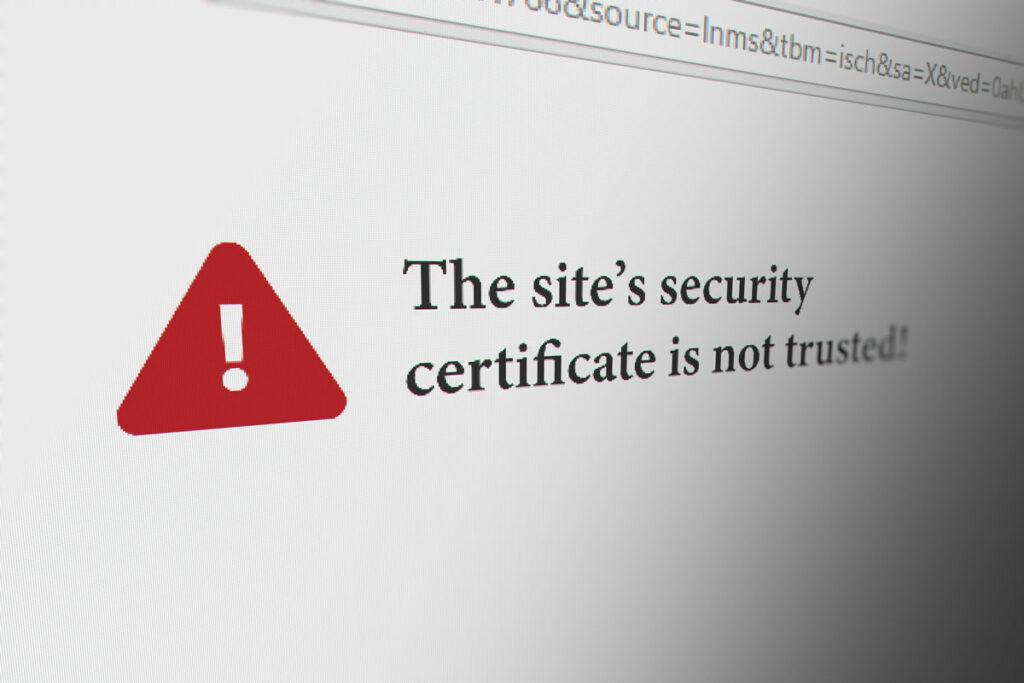
A secure website is critical for protecting both your business and your customers. In addition, search engines prioritise secure websites, making this a key factor for both trust and rankings.
How to Secure Your Site:
- SSL Certificate: Secure your site with HTTPS to encrypt user data.
- Updates: Regularly update your website’s software, plugins, and themes to prevent vulnerabilities.
- Strong Password Policies: Enforce strong passwords for all accounts to reduce the risk of breaches.
A secure website builds credibility, protects customer data, and safeguards your business reputation.
#8. Failing to Use Analytics and User Feedback
You can’t improve what you don’t measure. Many small business owners neglect tools like Google Analytics or user feedback surveys, missing out on valuable insights.
How to Use Analytics:
- Track visitor behaviour, such as time spent on pages and bounce rates.
- Identify your most and least popular pages.
- Use heatmaps to understand how users interact with your site.
Regularly review these insights to make informed decisions about how to improve your site.
Conclusion
Website optimisation is more than just technical tweaks—it’s about creating a seamless, enjoyable experience for your visitors.
By avoiding these common mistakes, you can create a website that not only looks great but also works hard to grow your business.
If you need expert guidance to take your website to the next level, Wolf IQ can help.
We specialise in creating tailored solutions that align with your goals, helping you turn your website into a steady source of enquiries.